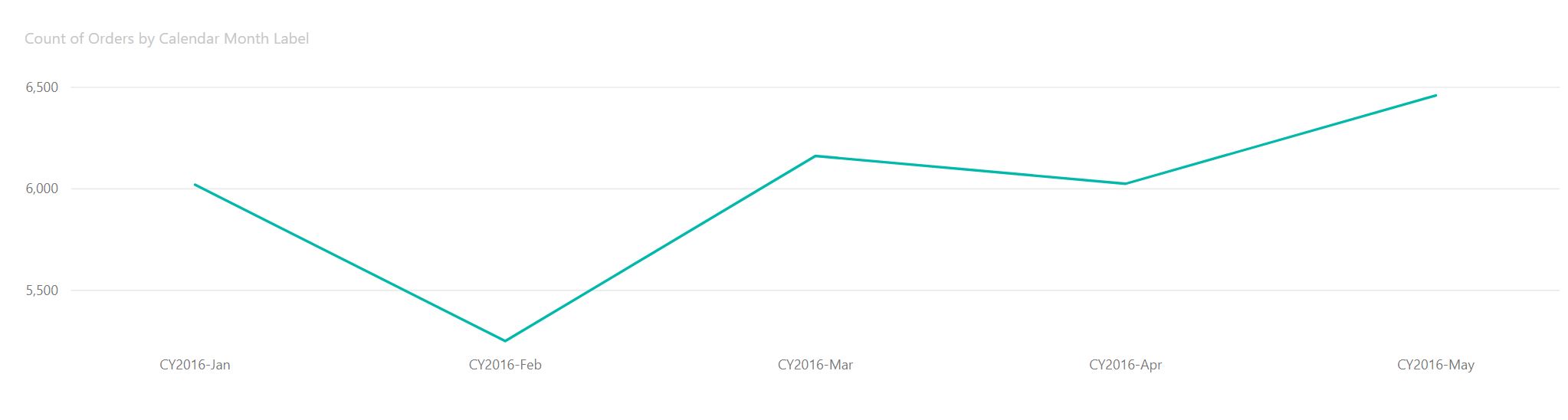
Time Series
Add a Line Chart Visual to the page.
Next, use the following tables and columns for the Line Chart:
- Date > Calendar Month Label
- OrderDetails > Count of Orders
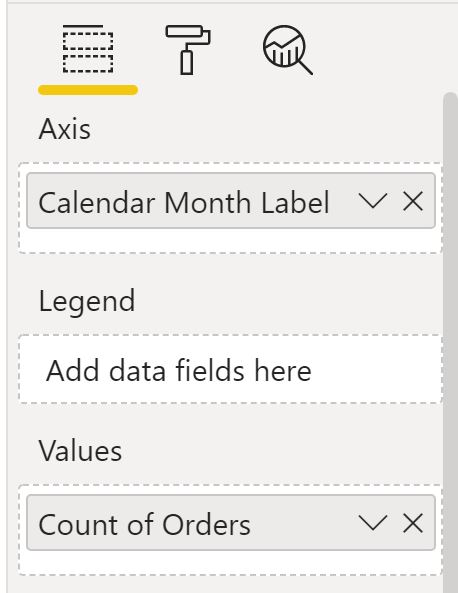
Sort by the field Calendar Month Label. Set the sort order to Sort Ascending:
Notice the chart sorts the months alphabetically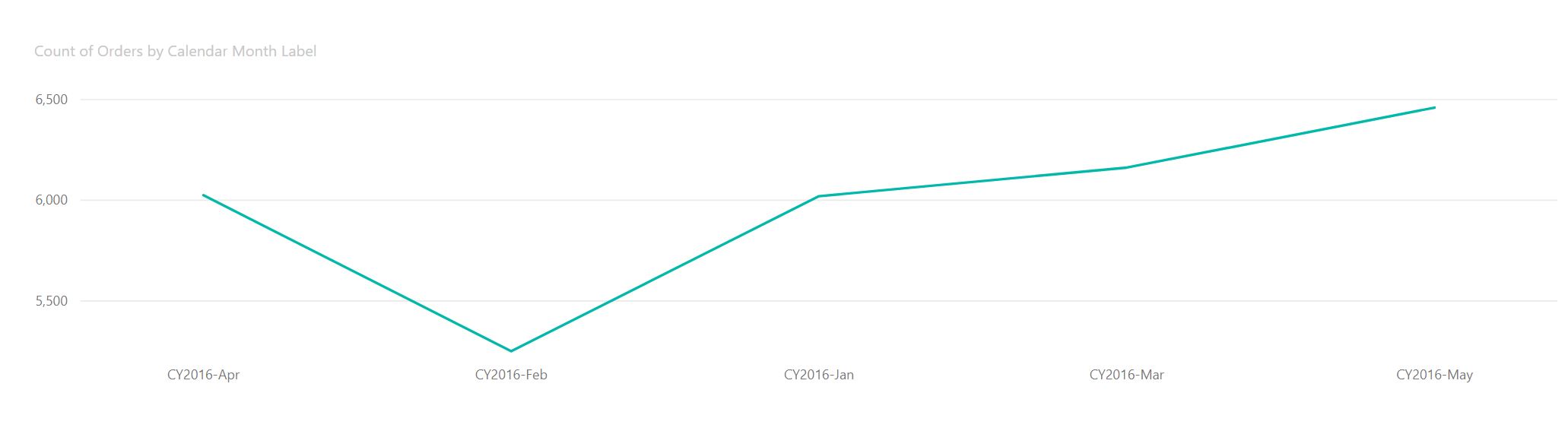
In the fields list highlight the field Calendar Month Label
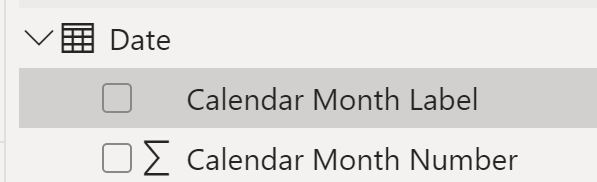
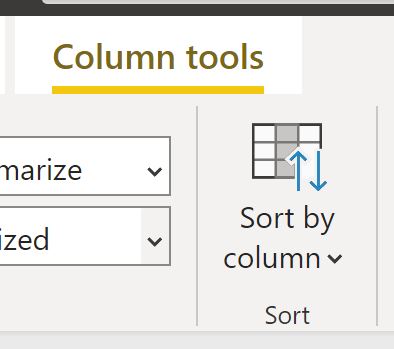
In the Column Tools Tab select Sort by Column then select the field YearMonthSort that we created in Lab 1
Notice that the time series chart is now sorted by month number rather than alphabetically