Analytics with Power BI Hands-On Labs > Lab 3 - Creating Calculated Columns & Measures > Using Time Intelligence in DAX > Calculating the variance percentage on last month
Calculating the variance percentage on last month
The syntax for a Variance Percentage is:
Variance Percentage = ([New value]-[Last value]/[Last value])In DAX, it would look like this. Use this measure in OrderDetails.
Total Sale Monthly Var % =
DIVIDE (
    ( [Total Including Tax] - [Total Including Tax Last Month] ),
    [Total Including Tax Last Month],
    BLANK ()
)
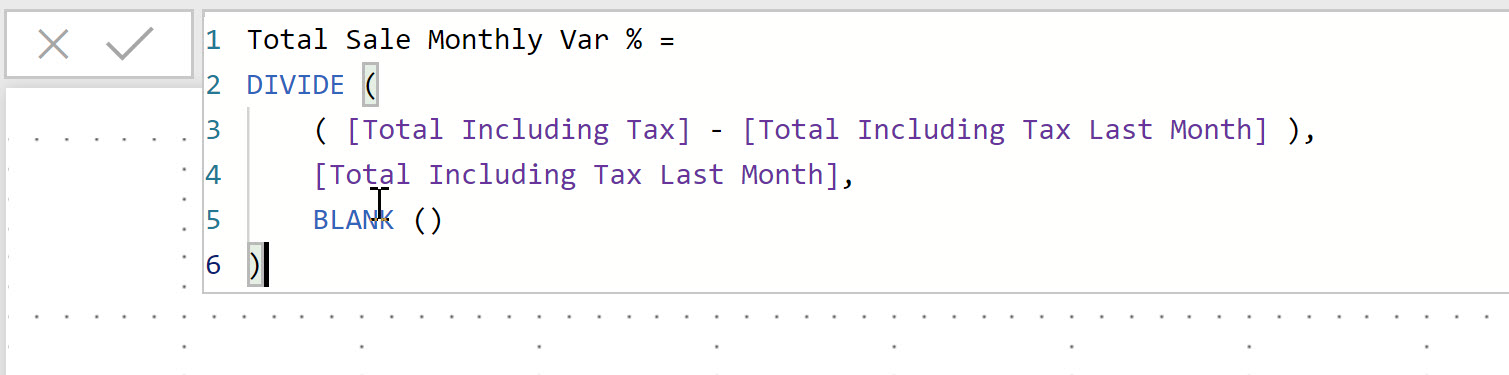
We’ve used the DIVIDE function. This handles divide by 0 errors with the 3rd parameter.
DIVIDE([Numerator], [Denominator], [Value when divide by 0 error])
In this case we’re setting the value to BLANK()
3. Format this measure as a percentage by selecting the measure.
Under Measure Tools tab > Click on the % symbol

End of Lab 3